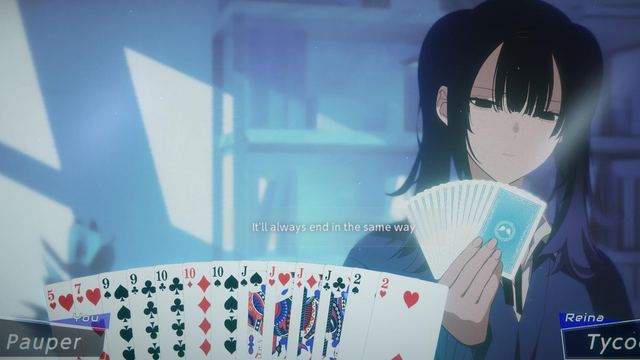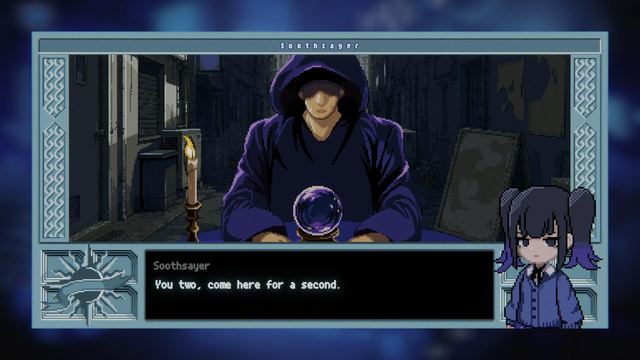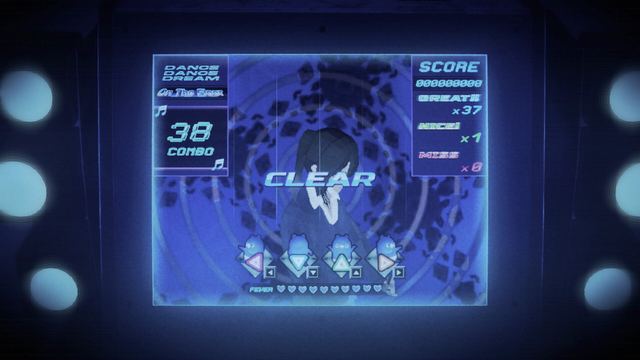
How to play Rain98: controls, saves and settings

Rain98 plays as a visual novel with adventure segments: dialogue and interaction controls, full controller support, Steam Cloud saves, and Windows 10 with 8 GB RAM and 6 GB of storage.
Rain98 runs as a visual novel with adventure segments, so your controls are mostly dialogue and interaction, and your settings are mostly language and audio. This page covers how the demo plays, where saves live, what the PC requirements are, and which extras the store pages confirm.
PC requirements
| Minimum (official) | |
|---|---|
| OS | Windows 10 |
| Processor | Intel Core i5-8250U |
| Memory | 8 GB RAM |
| Graphics | Intel UHD Graphics 620 |
| Storage | 6 GB available space |
Those figures are identical on the full game's store page and the demo's, so the demo is not lighter than the finished release is expected to be. There is no listed higher tier — the store page prints a single minimum block and no recommended block.
Controls and input
- Full controller support is listed for both the demo and the full game, so you can play the whole thing from a pad.
- DualSense support is listed on the demo, alongside the standard controller support.
- Keyboard and mouse work as expected for the novel segments: advancing text, making dialogue choices and interacting with objects.
- There is no listed competitive or online mode, and no second player — Rain98 is a single-player game from start to finish.
If you are playing on a laptop that matches the minimum specification (integrated graphics), expect the heaviest cost to come from the animated novel sequences rather than the walking sections.
Saves, cloud and achievements
- Steam Cloud is supported, so saves follow your account between machines.
- The demo saves as you play; players report it writing progress automatically during the story, so you do not have to manage slots by hand.
- Steam achievements are enabled on both the demo and the full game. The public achievement list has not been published yet, so there is nothing to tick off against a checklist at this stage.
- Family Sharing is enabled on the full game.
Language and voice settings
The demo ships nine languages and the full game lists fifteen. Japanese is the language flagged for full audio support, which means voice acting covers the whole script in Japanese; other languages are text translations. In practice, players who want the original performances keep Japanese audio on and pick their own language for text.
| Languages | |
|---|---|
| Demo | Japanese, English, Simplified Chinese, Traditional Chinese, Korean, French, German, Brazilian Portuguese, Latin American Spanish |
| Full game | The nine demo languages plus Italian, Indonesian, Thai, Polish, Russian and Turkish |
Reading the game's mood
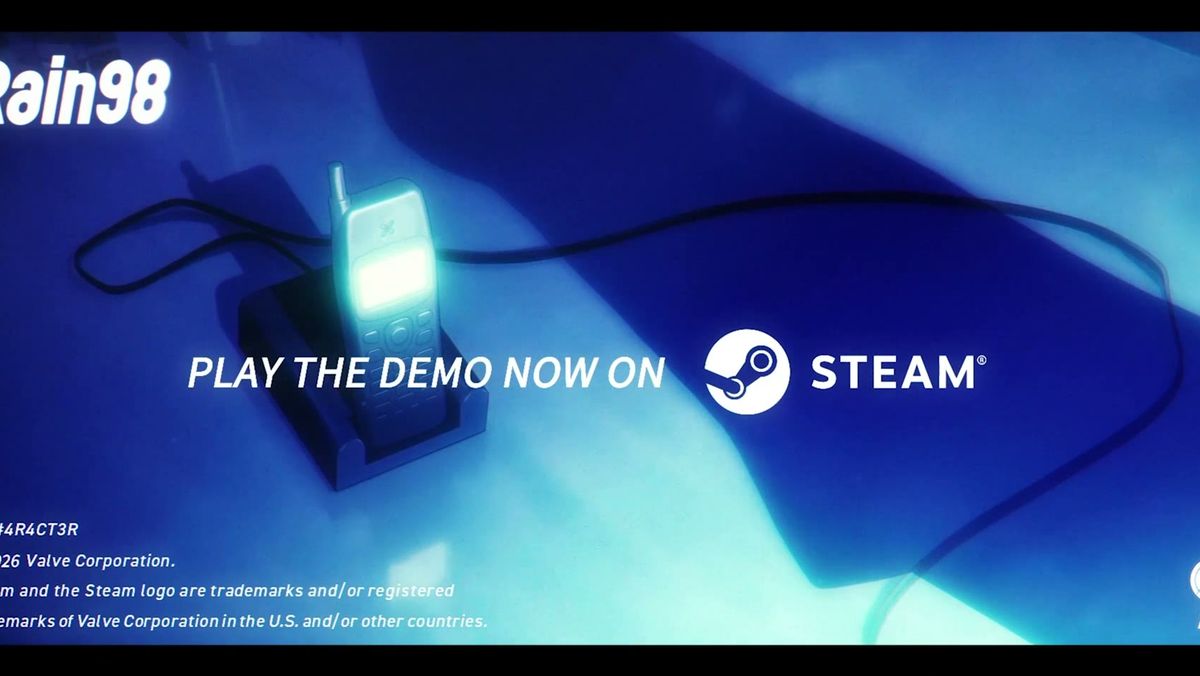
Rain98 is a Lo-Fi psychological suspense game, and the presentation is doing a lot of that work: blue-lit interiors, rain that never lets up, and a soundtrack that sits under the dialogue rather than over it. If something feels deliberately off — reversed-sounding audio, a scene that lingers — that is the genre the store page advertises, not a settings problem.
FAQ
Does Rain98 support controllers?
Yes. The demo and the full game both list full controller support, and the demo additionally lists DualSense support.
Is Rain98 multiplayer?
No. It is listed as a single-player game with no multiplayer modes.
Does the demo use Steam Cloud?
Yes. Steam Cloud is listed for both the demo and the full game.
How much space do I need for the demo?
6 GB. The demo and the full game list the same storage requirement.
Can I switch language after starting?
Yes. Language is a setting, and switching it does not reset your progress.